Mifos X Installation on Windows
For a video guide click on the link below |
Prerequisite SoftwareNote the software and versions included below are a mandatory prerequisite
|
|---|
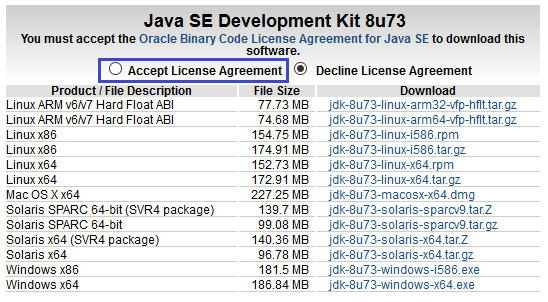
1) Before beginning, uninstall any existing versions of Java currently on your computer. | 2) In your web browser, go to http://www.oracle.com/technetwork/java/javase/downloads/jdk8-downloads-2133151.html, to download JAVA 1.8. |
3) Oracle requires that you read the license agreement, then click the button labeled Accept License Agreement. | 4) Click the link to download the version for your system architecture i.e. Windows x86 for 32bit or Windows x64 for 64bit. |
5) Save the Java installation file to your computer | 6) Run and install the Java file. |
| |
|---|---|
1) In your web browser, go to http://dev.mysql.com/downloads/mysql/5.5.html#downloads to download MYSQL server v5.5. Click the link to download the version for your system architecture i.e. Windows x86 for 32bit or Windows x64 for 64bit. | 2) You can skip this option by clicking the link at the bottom of the page that says No thanks, just start my download. |
3) Run the MySQL installation file. Click on the Typical button and then click on Next button. | 4) During MySQL installation, use Advanced Configuration > Show Advanced Options and set the MySQL ROOT Password to mysql. Then click on the Save button. This will set your username to root and your password to mysql. |
1) In your web browser, go to http://tomcat.apache.org/download-70.cgi to download Tomcat 7. >> Under the section Binary Distributions>>Core, click on the link 32-bit windows zip or 64-bit windows zip (depending on your system architecture) to download. | 2) Extract the apache-tomcat-7.0.68.zip.
|
4) This is the folder once apache-tomcat-7.0.68 gets extracted:
| 5) Copy and paste the apache-tomcat-7.0.68 folder to the c:\ drive, then rename it tomcat. |
1) Open your Environment Variables: | 2) Create the JAVA_HOME variable:
|
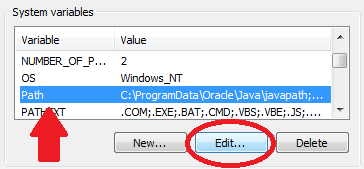
3) Edit the PATH variable:
| 4) Create the JAVA_OPTS variable:
|
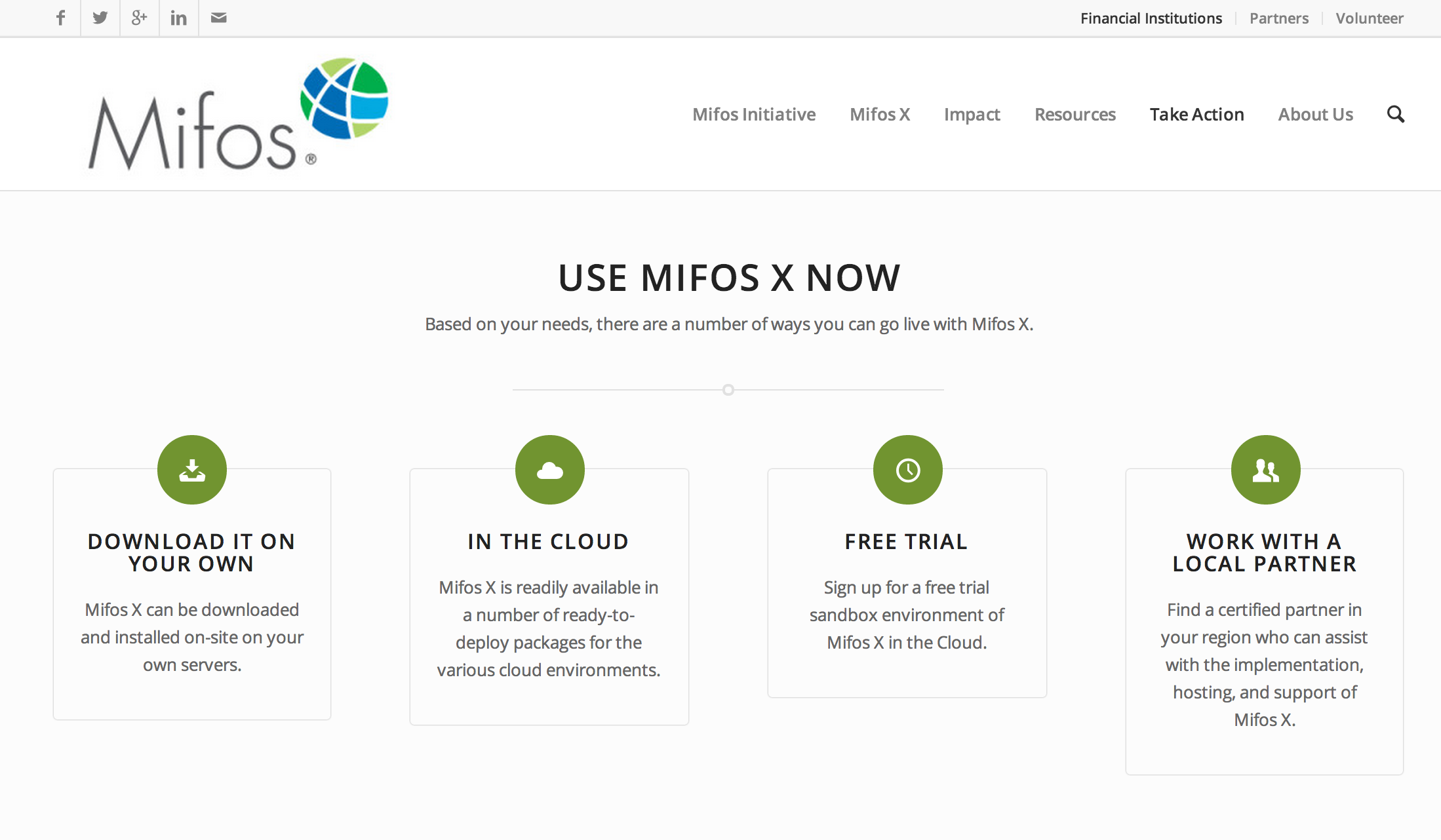
1) Go to http://mifos.org/ from your web browser and navigate to Take Action >> Get Mifos | 2) Click on the "DOWNLOAD IT ON YOUR OWN" link |
3) Click on "Download MifosX Now" | 4) Fill out the Mifos Download Form with your information, then click the Next Page button. The download will start automatically.
Note You can skip the form by scrolling to the bottom of the page and clicking on: No thanks. I would just like to download Mifos without providing additional information. However, we are able to understand and serve you better if you provide details of your organization.
|
5) You will automatically be redirected to a download page for Mifos on the Sourceforge website. Here you will be prompted to download a ZIP file containing the Mifos application. Note You can also download other versions directly from: https://sourceforge.net/projects/mifos/files/Mifos%20X/
| 6) Once you have download the Mifos ZIP file, extract it to a new folder on your computer. Remember this location, as you will need to refer to it later. |